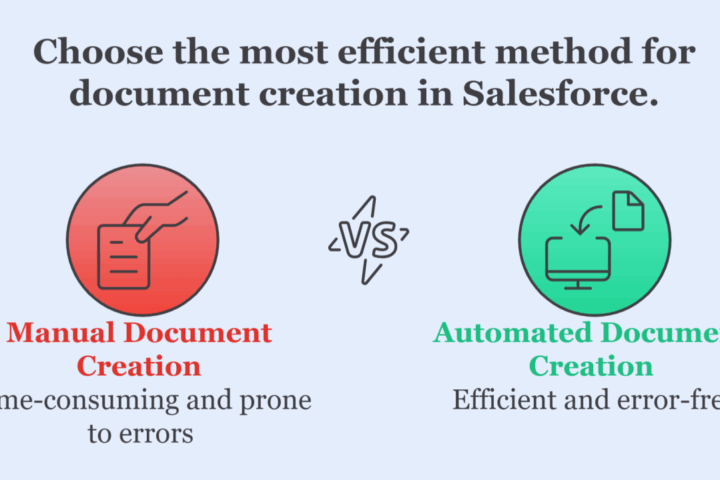
If your Salesforce users are still manually creating quotes, contracts, or invoices chances are your document workflow is costing you more than just time.
Manual document generation is one of those pain points that gets brushed aside… until deals slow down, errors creep in, and your team starts burning hours on formatting instead of closing.
In this post, we’ll walk through 5 key warning signs your current document process in Salesforce is broken and how modern automation can fix it.
1. You’re Still Copying and Pasting from Salesforce into Word or Google Docs
Let’s start with the obvious.
If your team is:
- Opening a Salesforce record
- Manually copying fields into a document
- Saving it as a PDF
- Uploading it back to Salesforce
- Then emailing it manually…
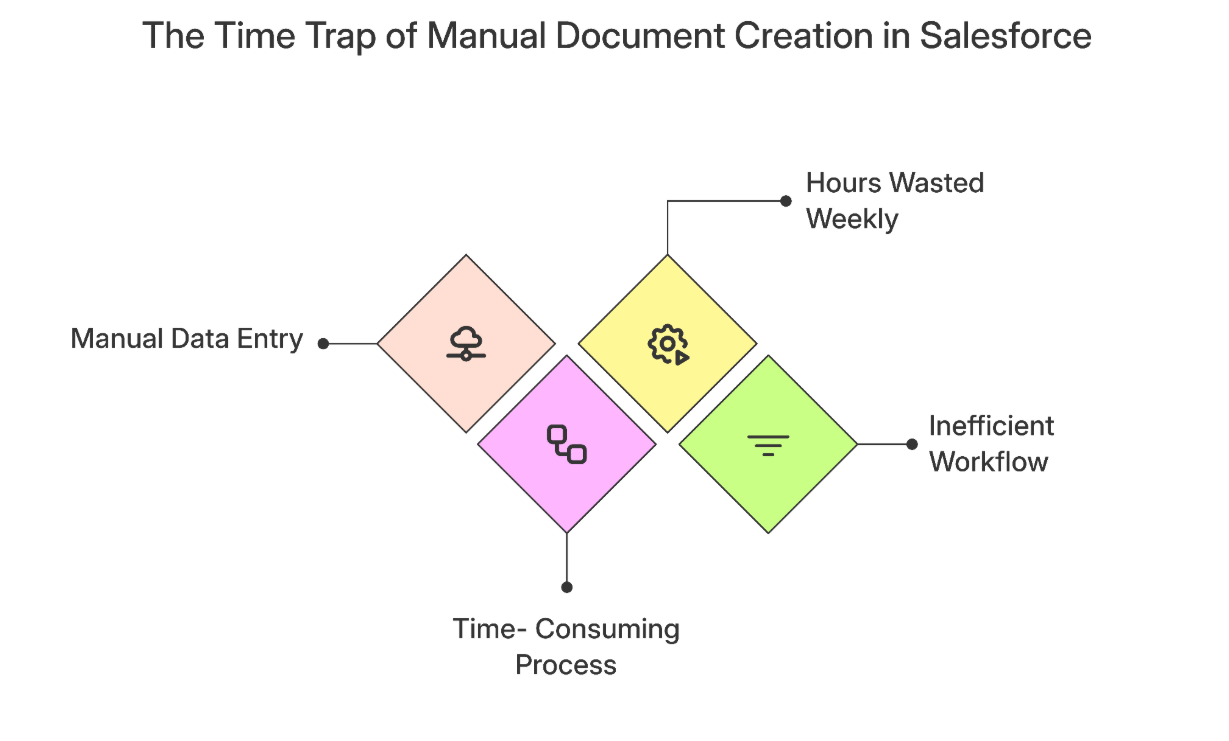
That’s not a workflow, it’s a time trap.
Hidden Cost:
Reps and admins waste 30–60 minutes per document. Multiply that by dozens per week, and you’re losing 15+ hours to busywork.
2. Document Errors Keep Slipping Through
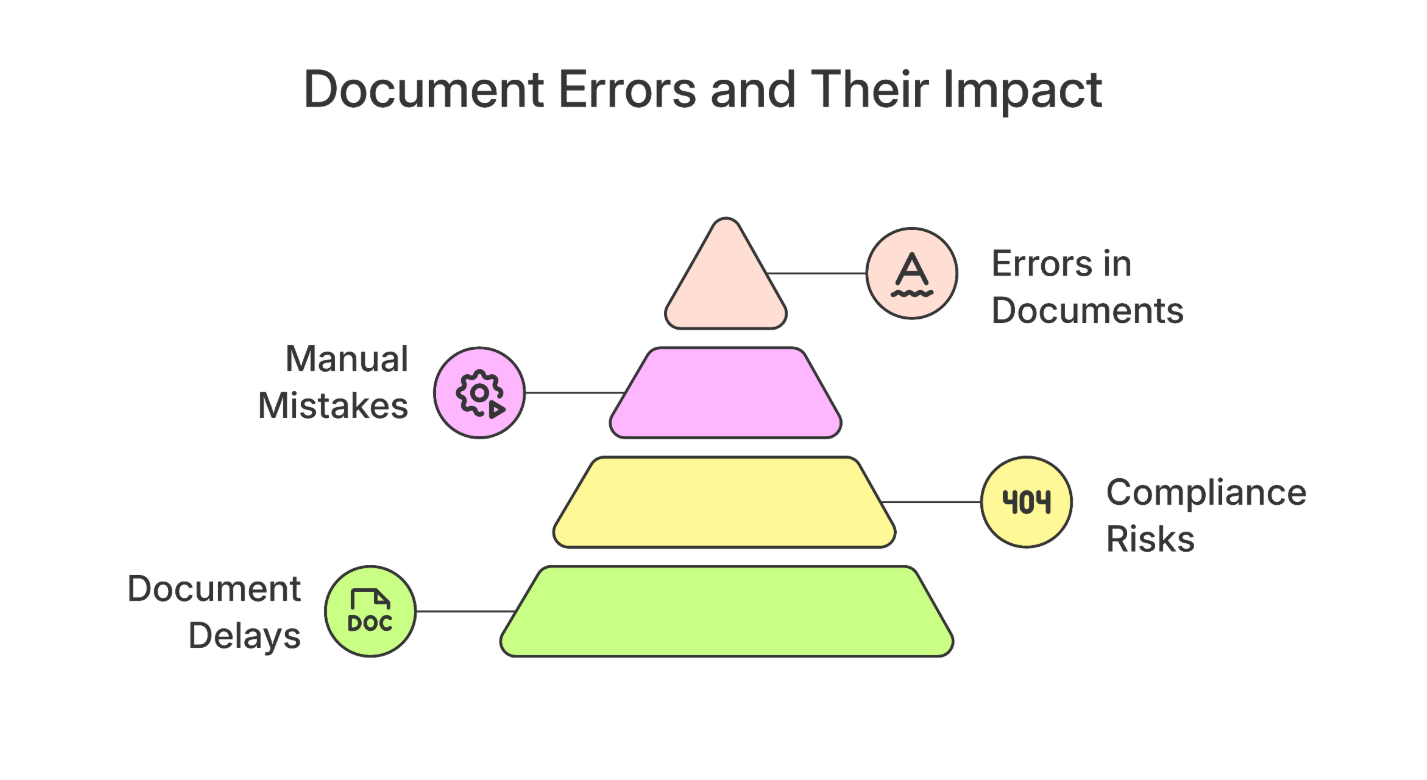
Manual processes manual mistakes.
Whether it’s:
- The wrong price on a quote
- A missing contact name on a contract
- Or a typo in your invoice totals…
Even one small error can erode trust, delay a deal, or create legal compliance risks especially in industries like finance or healthcare.
Ask Yourself:
How often are documents getting re-done, sent back, or delayed due to small copy-paste issues?
3. Your Team Uses Multiple, Outdated Templates
If everyone’s building documents from different versions of a template saved on their local drive… branding is probably all over the place.
- Old logos
- Inconsistent fonts
- Different contract clauses depending on who created it
This not only looks unprofessional, it introduces risk.
What’s Broken:
You don’t have one source of truth for templates, and no easy way to update them across the org.
4. You Can’t Trigger Documents Automatically (Flows, Apex, or Approval-Based)
If you’re stuck generating documents only by clicking a button, you’re missing out on full automation.
- Want to send a quote when an opportunity hits the “Proposal” stage?
- Need a contract emailed automatically after approval?
- Want to use Flow or Apex to handle document logic?
You need a system that integrates directly with Salesforce Flow, Process Builder, and custom triggers.
5. Your Documents Aren’t Stored Consistently
Where do your documents go after they’re created?
If the answer is:
- “It depends”
- “We have to upload them manually”
- “Some are in Drive, some in Salesforce, some on someone’s desktop”
…then you’ve got a storage mess.
You need a solution that supports:
- Salesforce Files
- Google Drive
- Amazon S3 …with auto-naming, version control, and proper folder structure.
How to Fix It with TS Documents
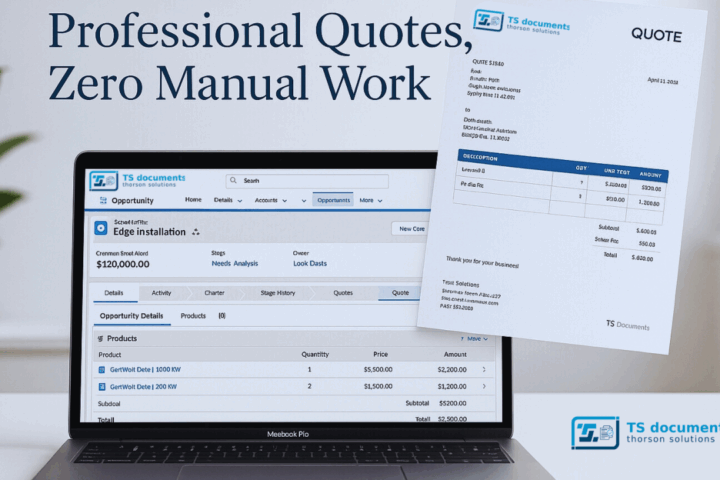
TS Documents is a Salesforce-native document generation app that eliminates all five of these problems without needing third-party integrations or expensive setups.
You can:
- Create dynamic templates in Google Docs
- Merge Salesforce data from any object or field
- Auto-generate PDFs, Word docs, and more with one click
- Trigger generation via Flow, Apex, or Process Builder
- Store files directly in Salesforce, Drive, or S3
It’s trusted by RevOps, Admins, and sales teams who want to stop formatting and start closing.
Final Thoughts
If you spotted even 2 or 3 of these warning signs in your own workflow, it’s time to modernize.
Your team’s time is better spent on selling, supporting, and scaling not on document busywork.
Want to see it in action?
Book a 30-minute demo of TS Documents Or start your free 14-day trial today